

Tidal PTC sends email for booking confirmations, changes, cancellations and reminder digests. You give each tenant its own SMTP server on the tenant settings page, and Tidal PTC sends that tenant’s mail through it. A server-wide mailer in .env is the fallback when no SMTP host is saved.
Who this is for
Section titled “Who this is for”District admins setting up email, and server administrators configuring the fallback mailer.
Before you start
Section titled “Before you start”- The edit tenant settings permission.
- An SMTP server or provider: host, port, and usually a username and password.
- A running queue worker. Booking emails and reminders are queued, so they aren’t sent without one.
Set up SMTP for the tenant
Section titled “Set up SMTP for the tenant”-
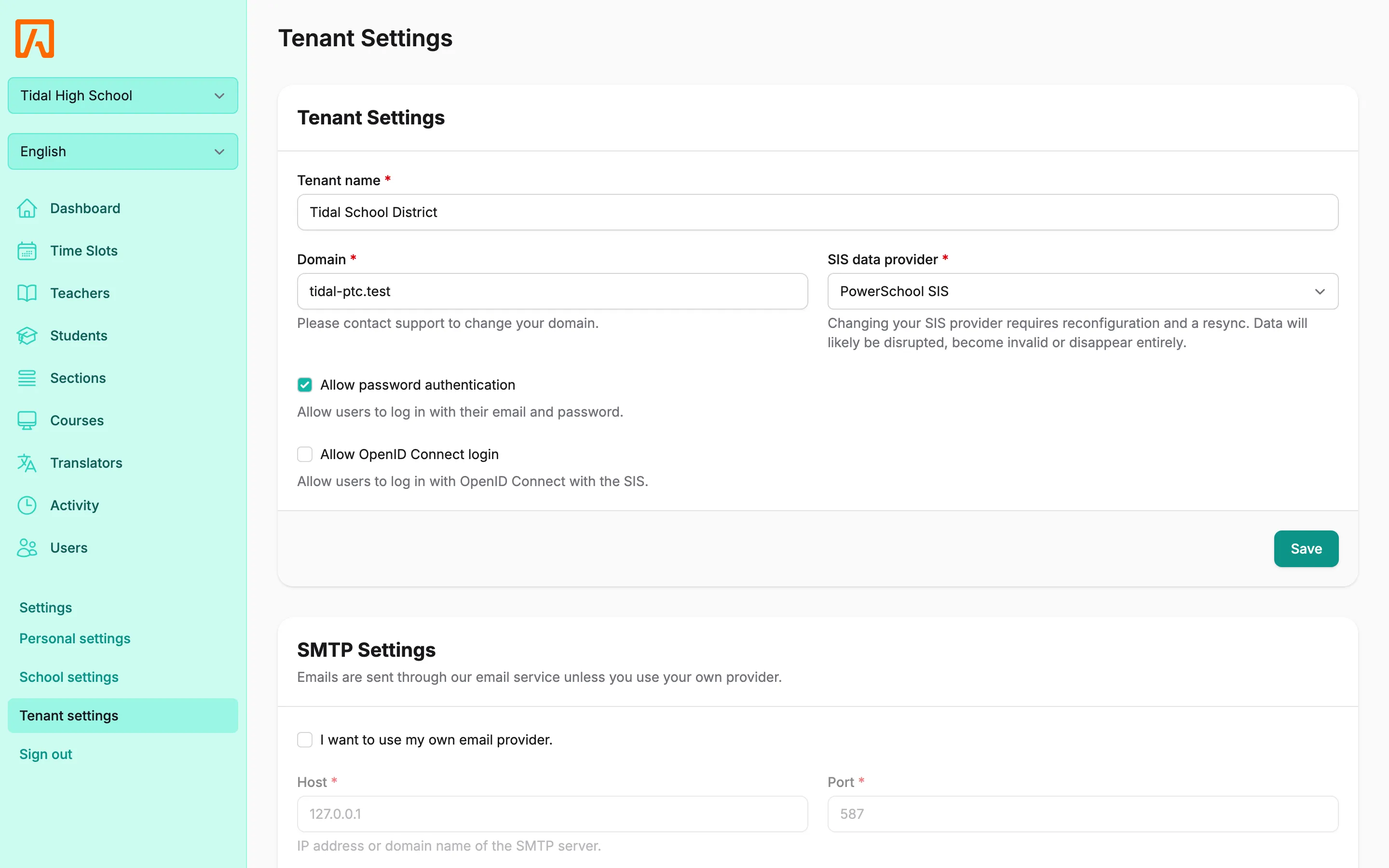
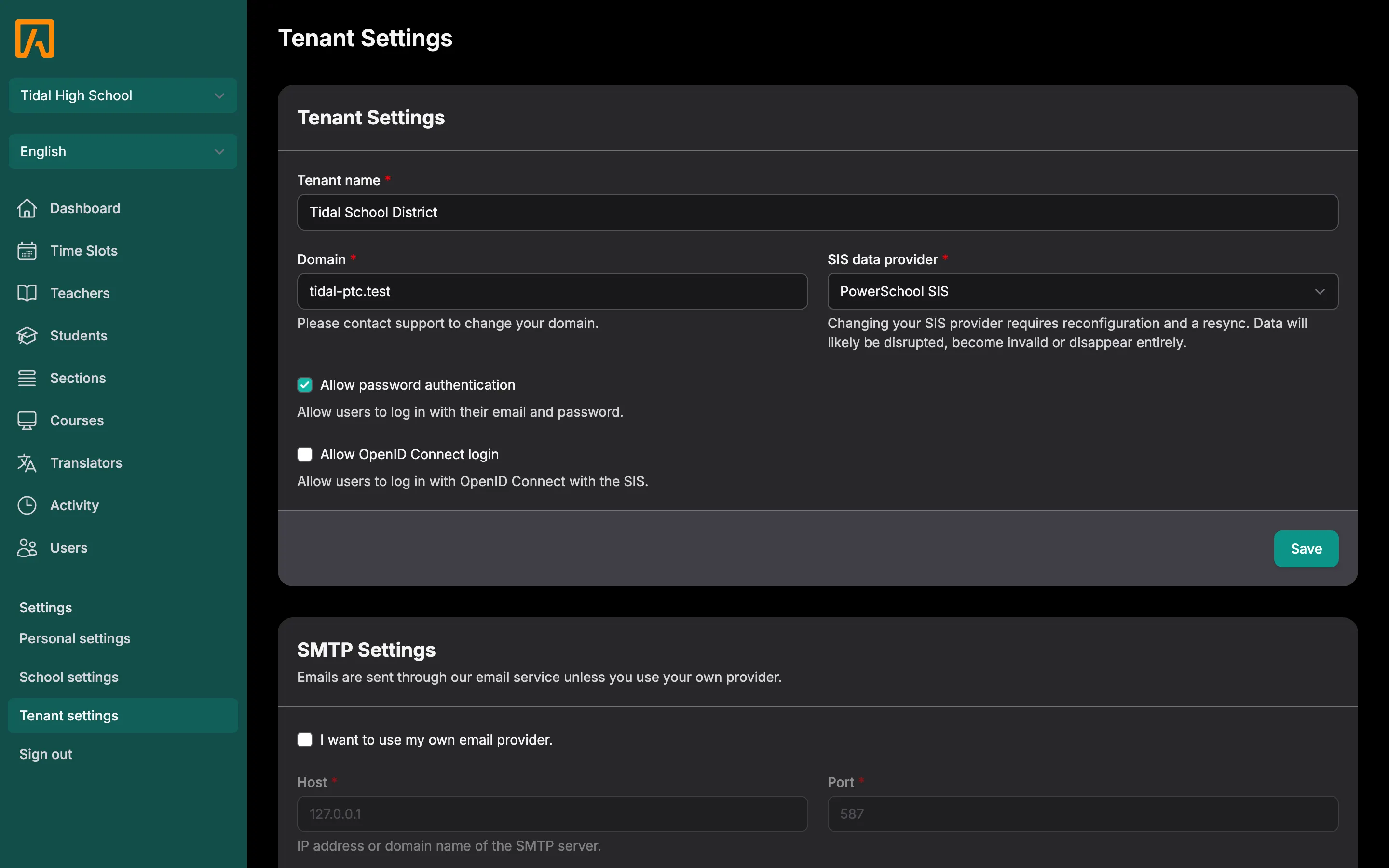
Open the tenant settings page and find the SMTP Settings card.
-
Fill in the fields:
- Host (required): the IP address or domain name of the SMTP server.
- Port (required): for example
587. - Username and Password: if your server needs them.
- From name (required) and From address (required): the sender families see.
- Encryption: TLS or SSL, or leave it empty.
-
Select Save. Tidal PTC shows “SMTP settings updated.” The settings are stored encrypted with
APP_KEY, and the change is recorded in the activity log. -
Select Send test. Tidal PTC emails a test message to your own account’s email address using the saved settings. Save your changes before testing.
Cloud districts
Section titled “Cloud districts”In the cloud edition, the card says “Emails are sent through our email service unless you use your own provider.” The SMTP fields stay disabled until you opt in. To use your own provider, check I want to use my own email provider. and fill in the fields as above.
App-wide mailer (self-hosted)
Section titled “App-wide mailer (self-hosted)”On a self-hosted install, a tenant with an SMTP Host saved always uses its own settings. If no host is saved, Tidal PTC falls back to the MAIL_* values in .env.
For SMTP:
MAIL_MAILER=smtpMAIL_HOST=smtp.example.orgMAIL_PORT=587MAIL_USERNAME=userMAIL_PASSWORD=secretMAIL_ENCRYPTION=tlsMAIL_FROM_ADDRESS=ptc@example.orgMAIL_FROM_NAME="Tidal PTC"For Postmark:
MAIL_MAILER=postmarkPOSTMARK_TOKEN=your-server-tokenMAIL_FROM_ADDRESS=ptc@example.orgMAIL_FROM_NAME="Tidal PTC"After editing .env, apply the change; see Applying a change.
Reminders
Section titled “Reminders”Reminder digests are sent by the ptc:send-reminders command, which the scheduler runs every hour. Each user gets one email listing their upcoming conferences at their chosen lead time. The scheduler must be running: the scheduler service on Docker, or the cron entry on a VM. See Scheduled tasks.