

Choosing a student
After you sign in, your dashboard shows a box for each of your children at the current school. Each box lists that child’s teachers and whether you have booked a conference with them. If your children go to different schools, you switch between schools to see each one.
Who this is for
Section titled “Who this is for”Parents and guardians with one or more children at the school.
Before you start
Section titled “Before you start”- Sign in first.
Find your child and their teachers
Section titled “Find your child and their teachers”- Go to Dashboard in the sidebar.
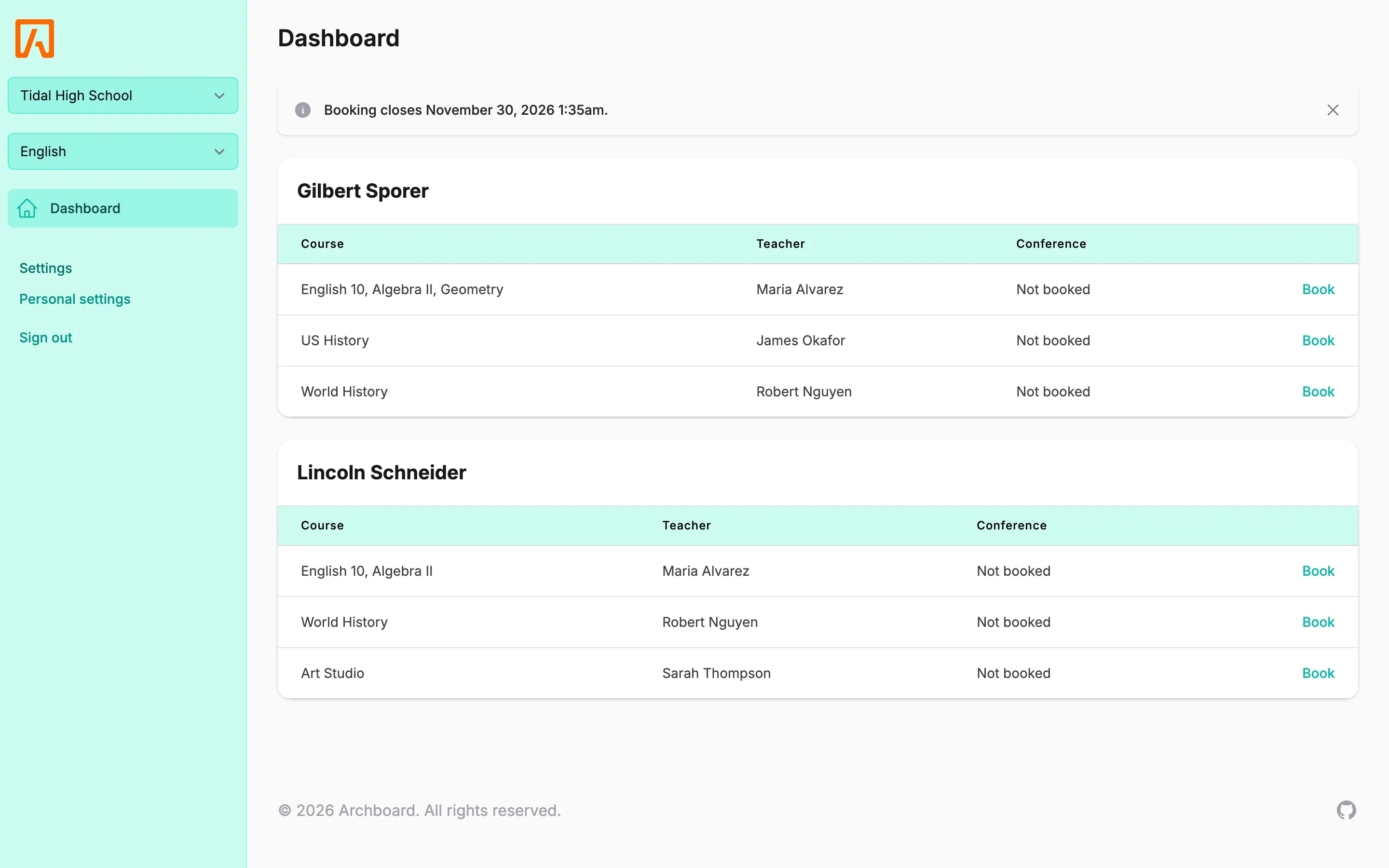
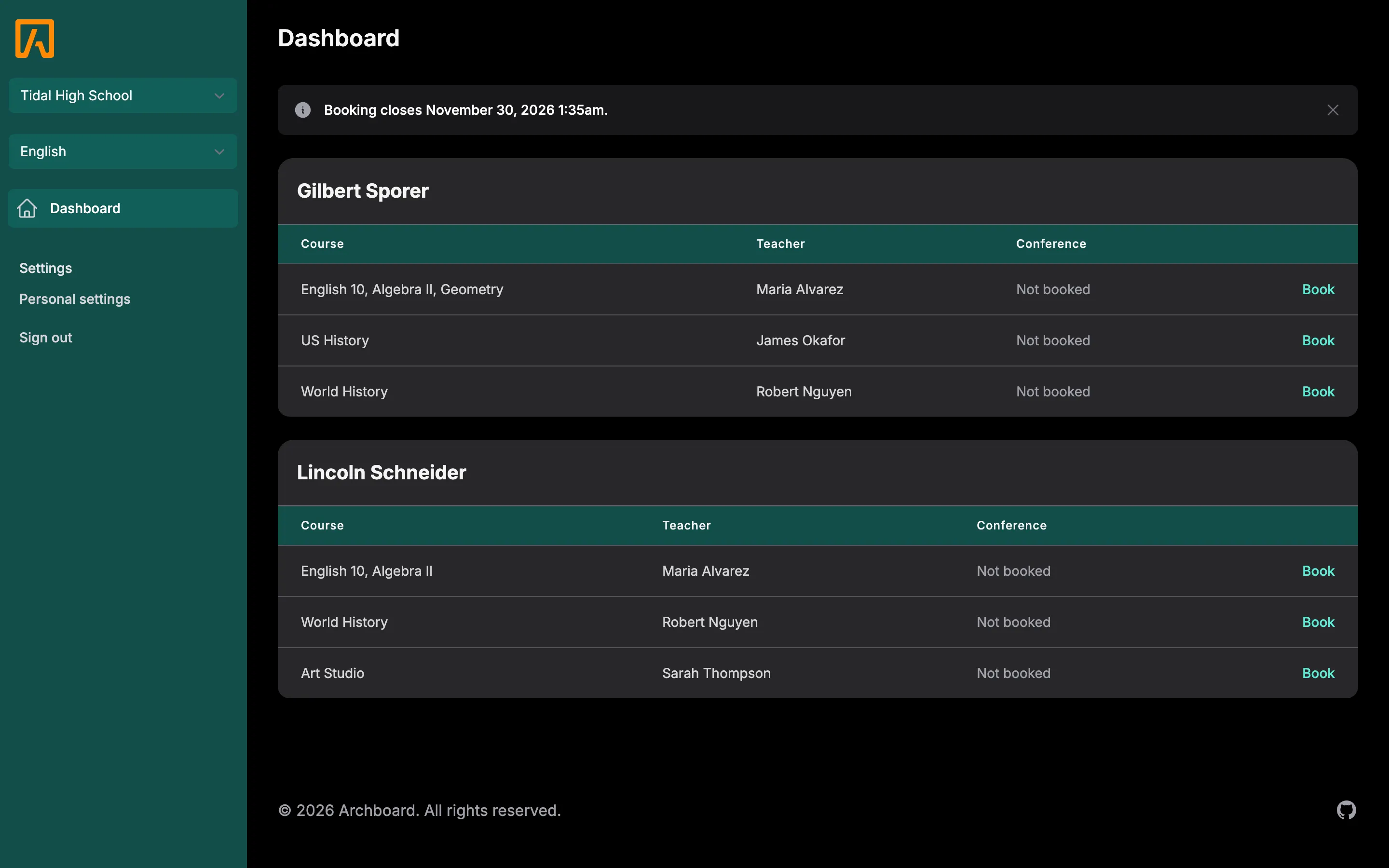
- Find the box with your child’s name. It lists each Course, the Teacher, and the Conference time if one is booked.
- In the last column, choose Book to pick a time with that teacher. See Booking a conference.
If a teacher teaches your child more than one class, they appear once, with all the classes listed together. You may also see other staff, such as a counselor, who offer conference times.
What each status means
Section titled “What each status means”| You see | What it means |
|---|---|
| A date and time | You already booked a conference with this teacher. |
| Not booked | You have not booked with this teacher yet. |
| Book | Times are available. Select it to choose one. |
| Fully booked | The teacher has times, but they are all taken. |
| No time slots yet | The teacher has not added any times yet. Check back later. |
| Booking is not available for this student. | The school has turned off booking for this child. Contact the school if you think this is a mistake. |
| No teachers found for this student. | The school has no teachers listed for this child. |
| Nothing in the last column | Booking is closed right now, or the school has not opened conferences for that class. |
Switch schools
Section titled “Switch schools”If your children attend different schools in the same district, a school menu appears at the top of the sidebar. Choose the other school from the menu and the dashboard reloads with your children at that school.
The first time you sign in, you may be asked to Choose your current school. Pick one and select Save. You can switch any time afterwards.