Open source · Built for PowerSchool districts
Parent-teacher conferences, scheduled without the chaos.
Tidal PTC lets schools publish conference times and families book them in a few clicks. It signs everyone in with PowerSchool, handles translator requests and sends the reminders for you.
- PowerSchool SSO and data sync
- Open source, AGPL-3.0
- Six languages, right-to-left ready
Everything conference week needs
From the first time slot to the last reminder email, in one place your staff and families already know how to sign in to.
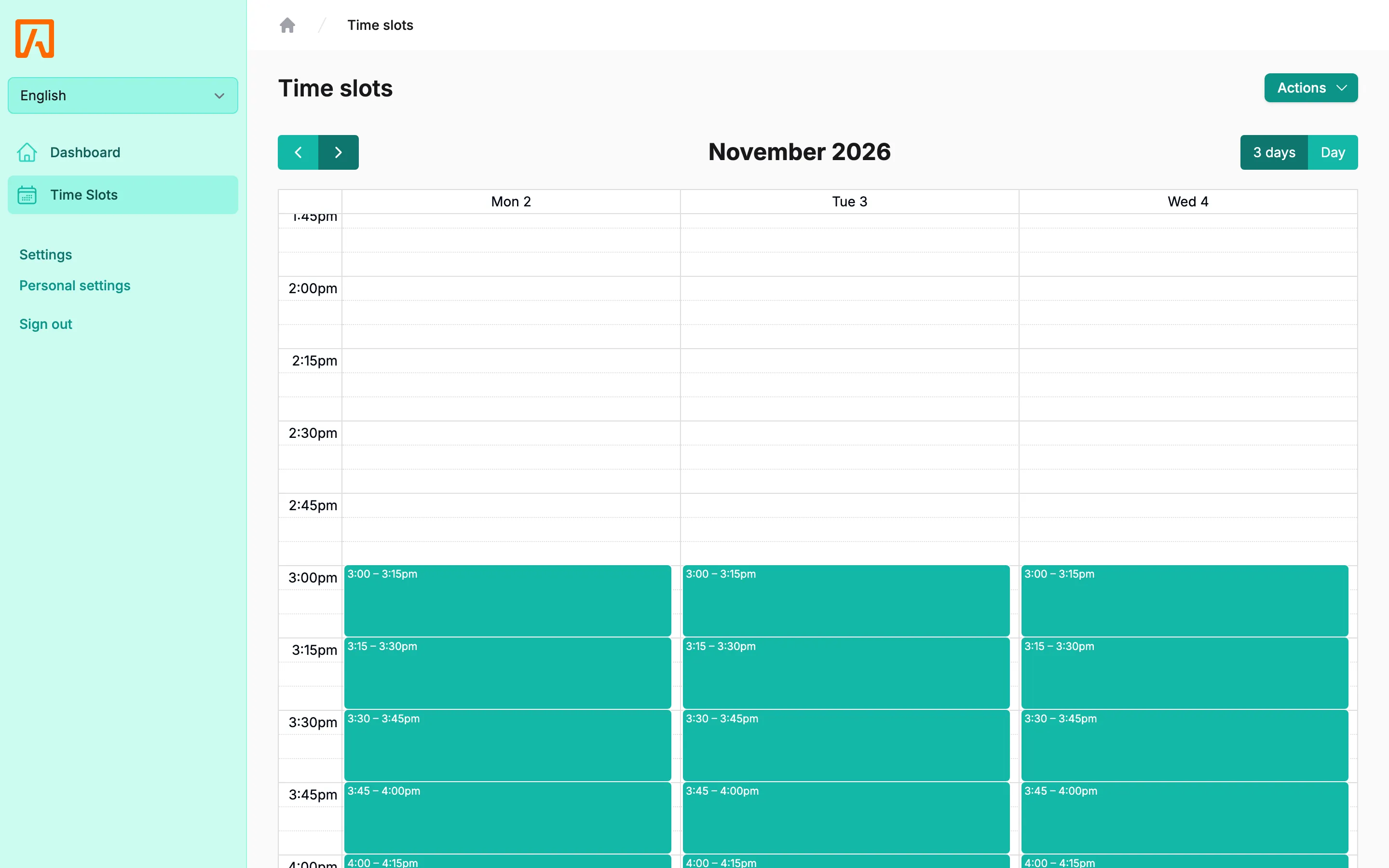
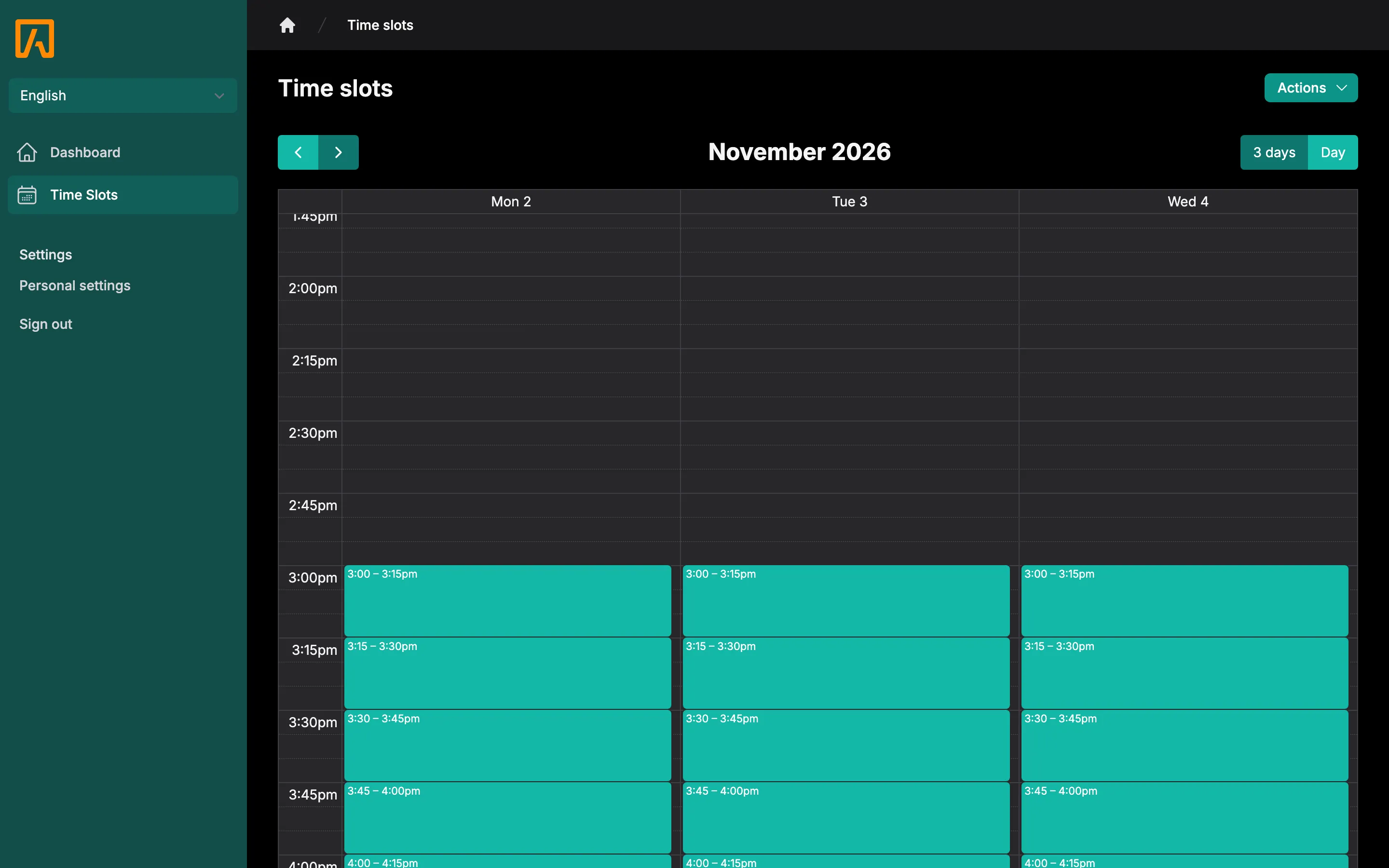
Time slots and batches
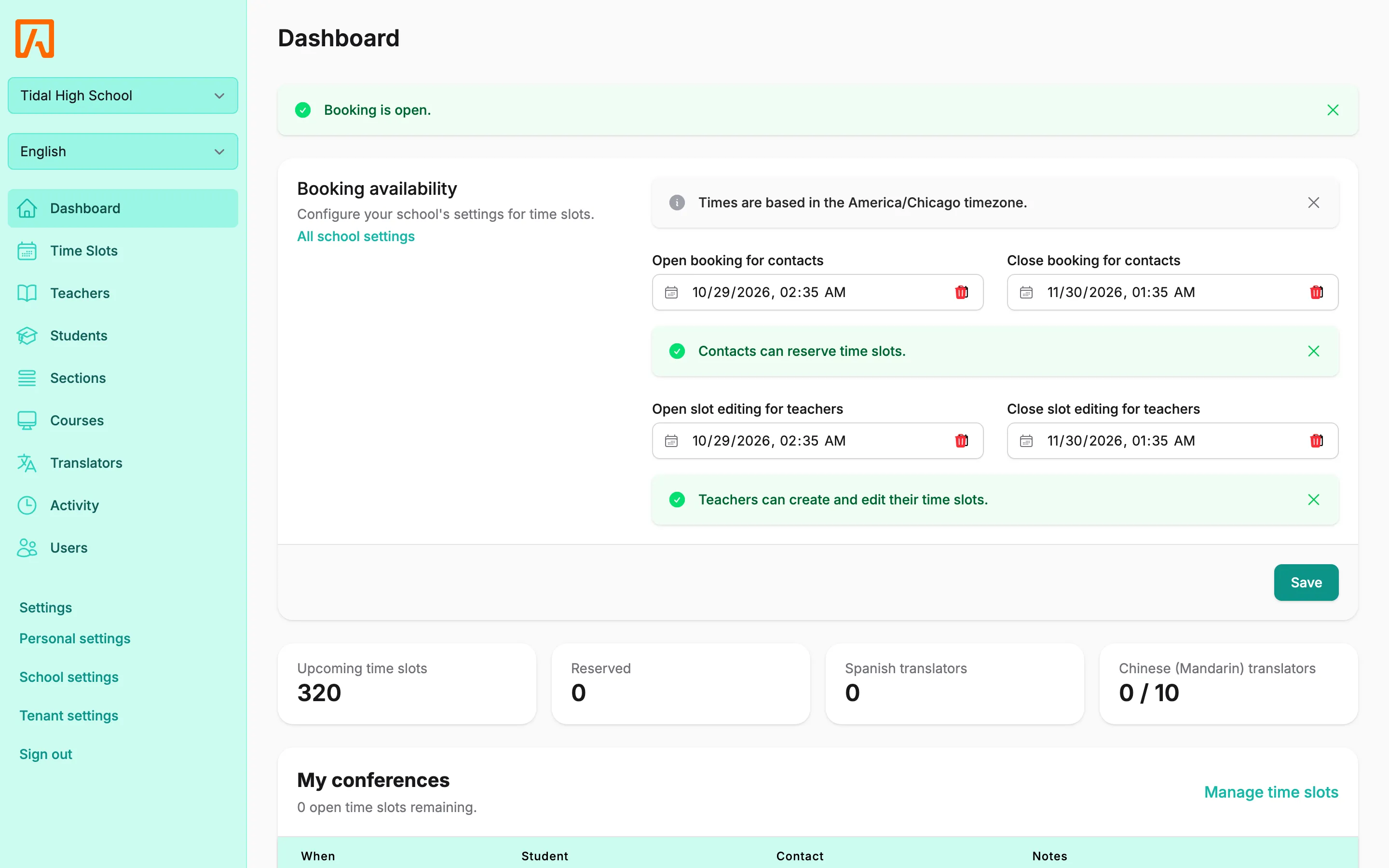
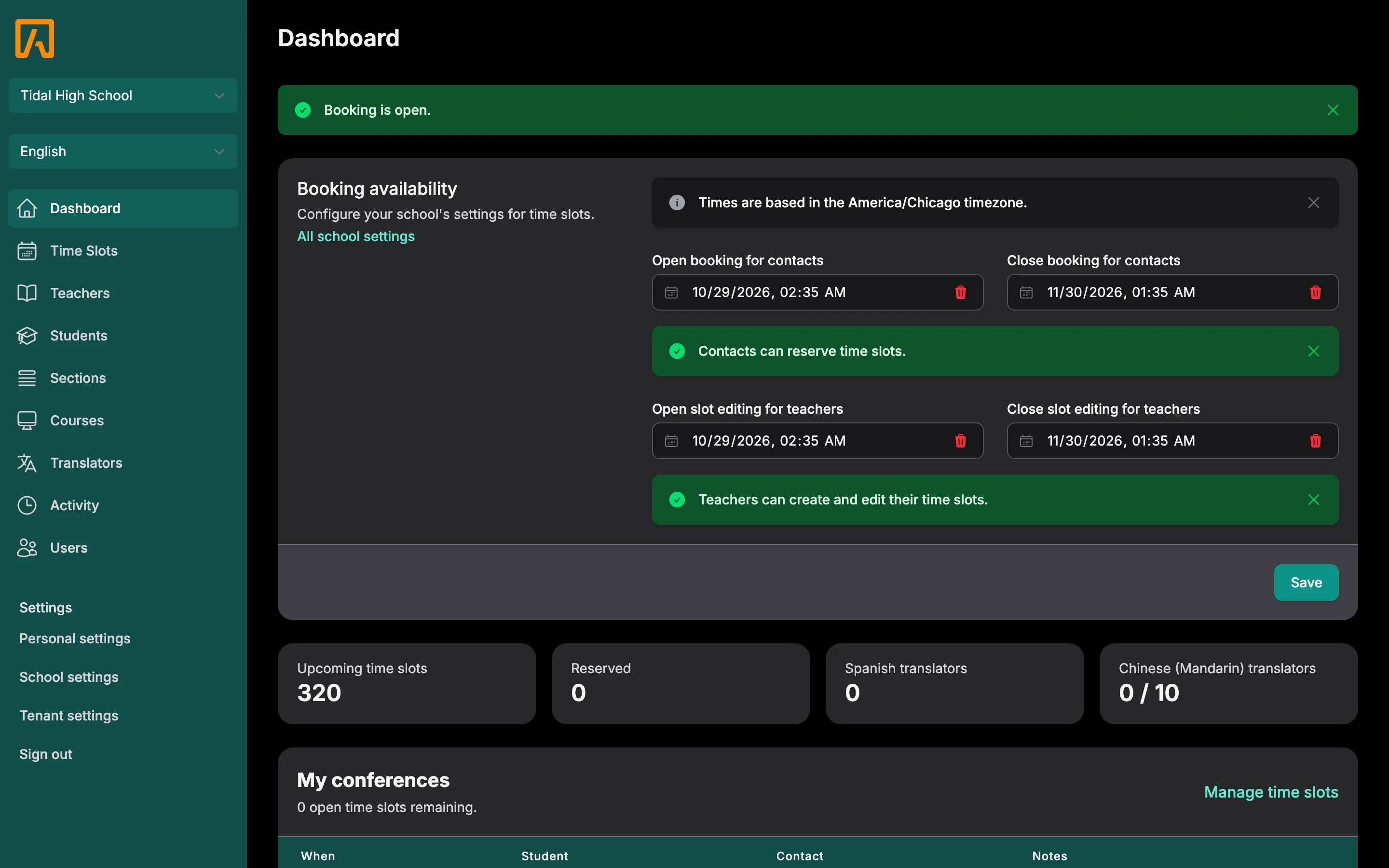
Create one slot or a whole week of them at once, in person or online, with buffers and booking windows.
Guardian booking
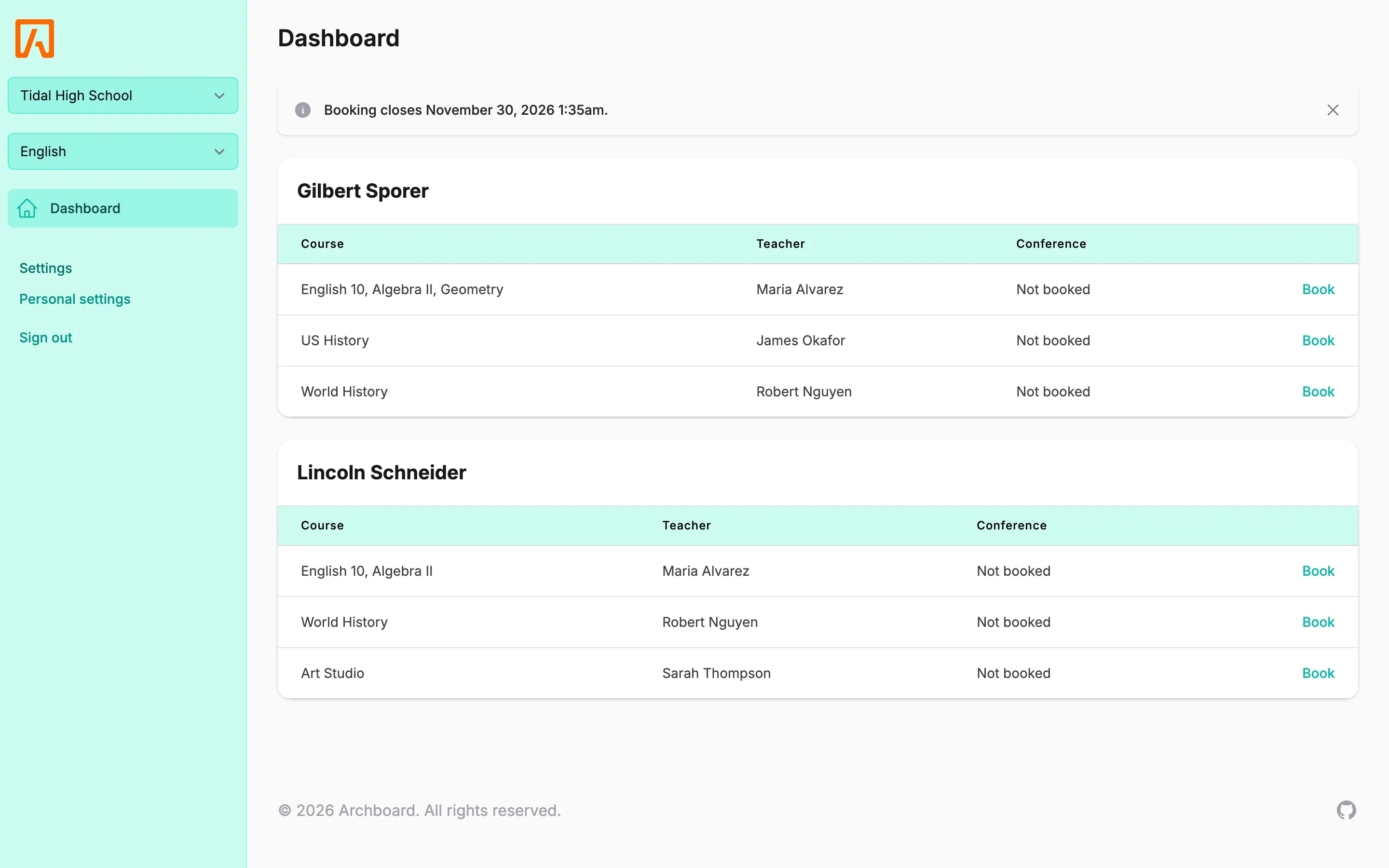
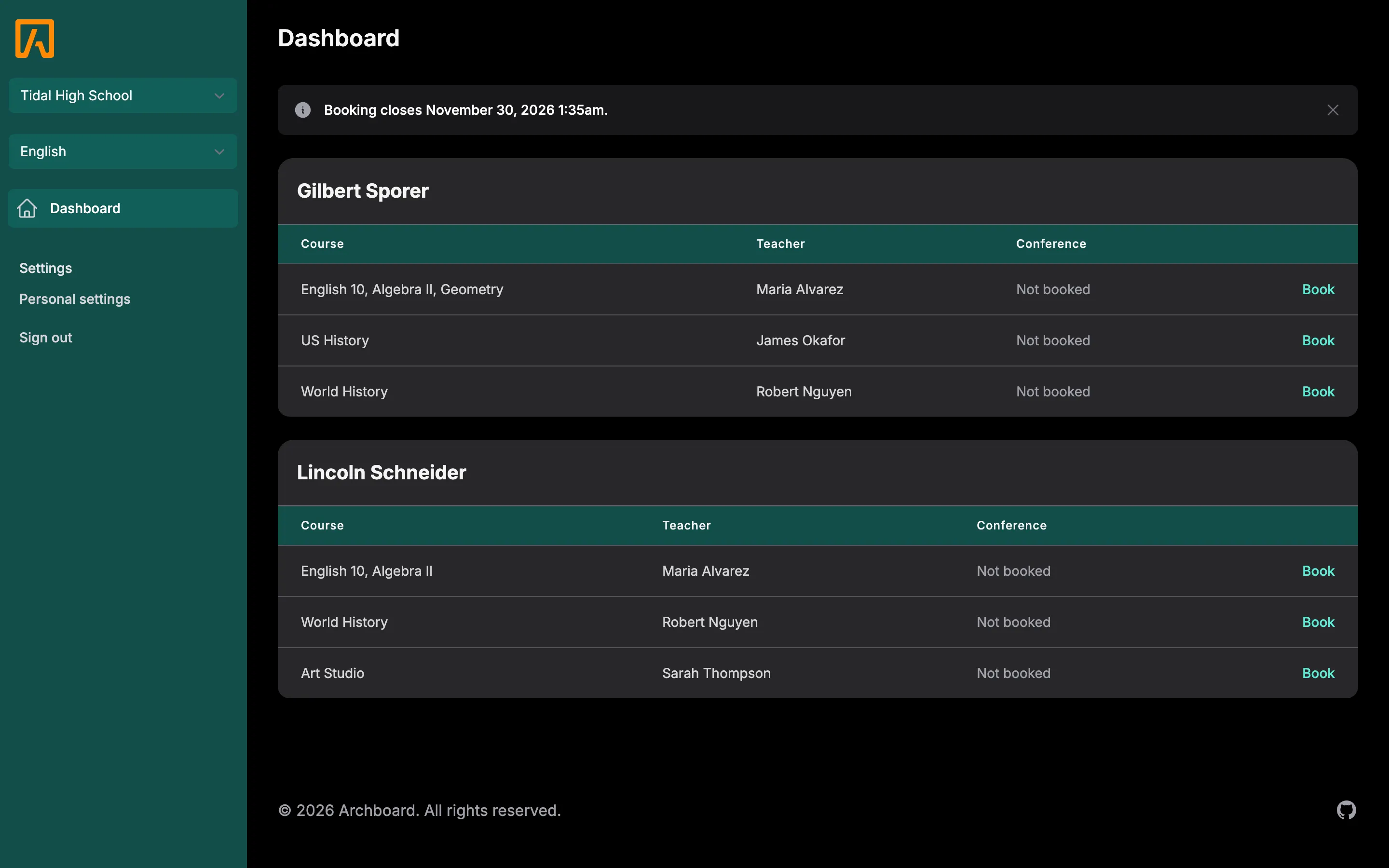
Families pick a student, see open times and book, move or cancel a conference from their dashboard.
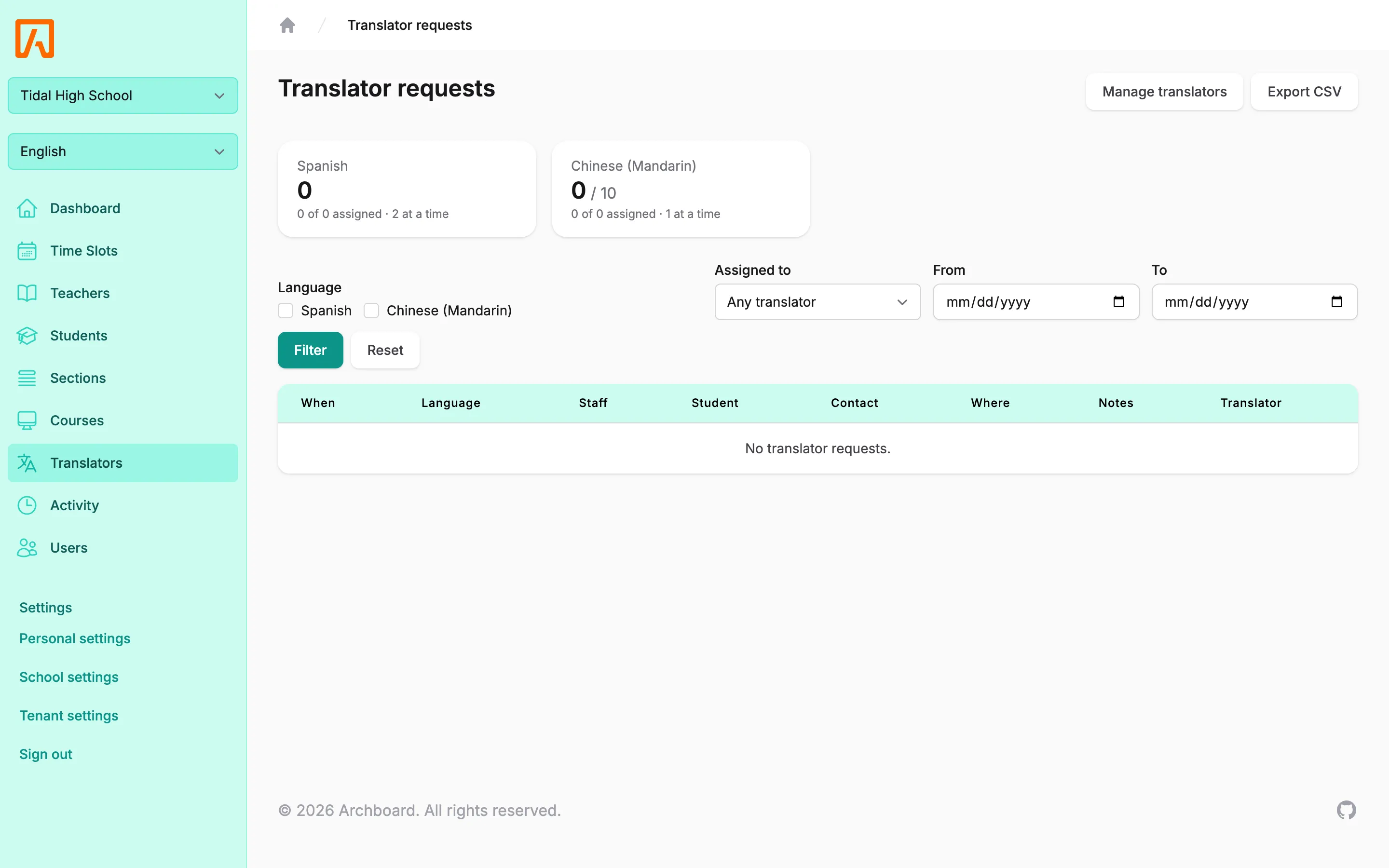
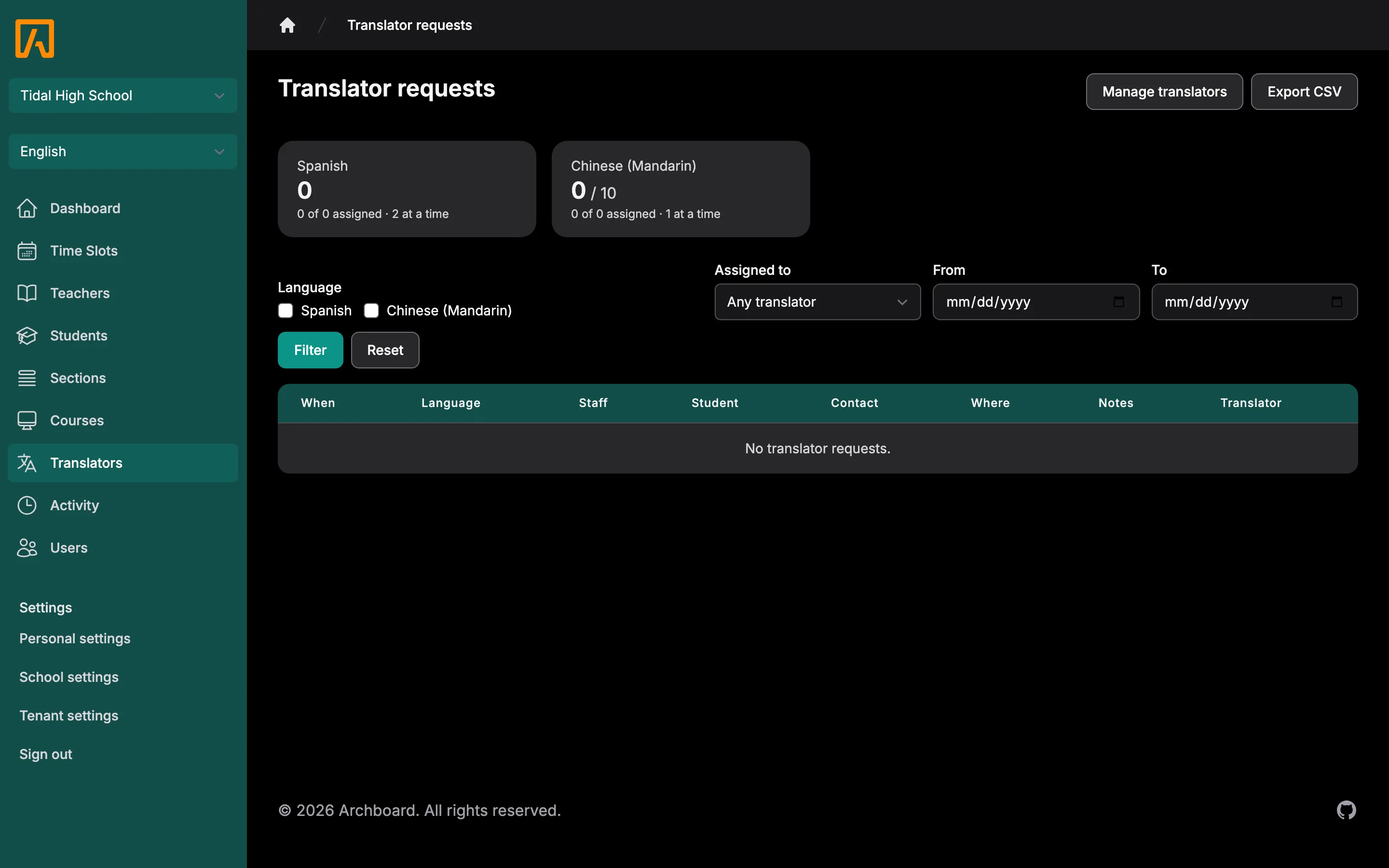
Translator requests
Families ask for a translator in the languages your school offers. Staff assign translators and export schedules.
Reminders and notifications
Emails for booked, moved and cancelled conferences, plus a reminder digest at the lead time each person chooses.
PowerSchool sync and SSO
Install the plugin and schools, sections, students, teachers and contacts sync. Everyone signs in with PowerSchool.
Permissions per school
Grant exactly what each staff member can do, school by school, from a single permissions matrix.
Activity log
Every reservation, time slot change, setting and sent notification is recorded, with history per slot.
Multilingual
English, Spanish, Chinese, Korean, Japanese and Arabic, with a right-to-left layout. Each user picks their own.
How it works
District admin
- 1Install the PowerSchool plugin and let it sync.
- 2Turn on booking and languages for each school.
- 3Give staff the permissions they need.
Teacher
- 1Sign in with PowerSchool.
- 2Create your conference times, or use the ones your school made.
- 3See who booked and get an email when it changes.
Parent or guardian
- 1Sign in with your PowerSchool parent account.
- 2Choose your student and a teacher.
- 3Book a time, and ask for a translator if you need one.
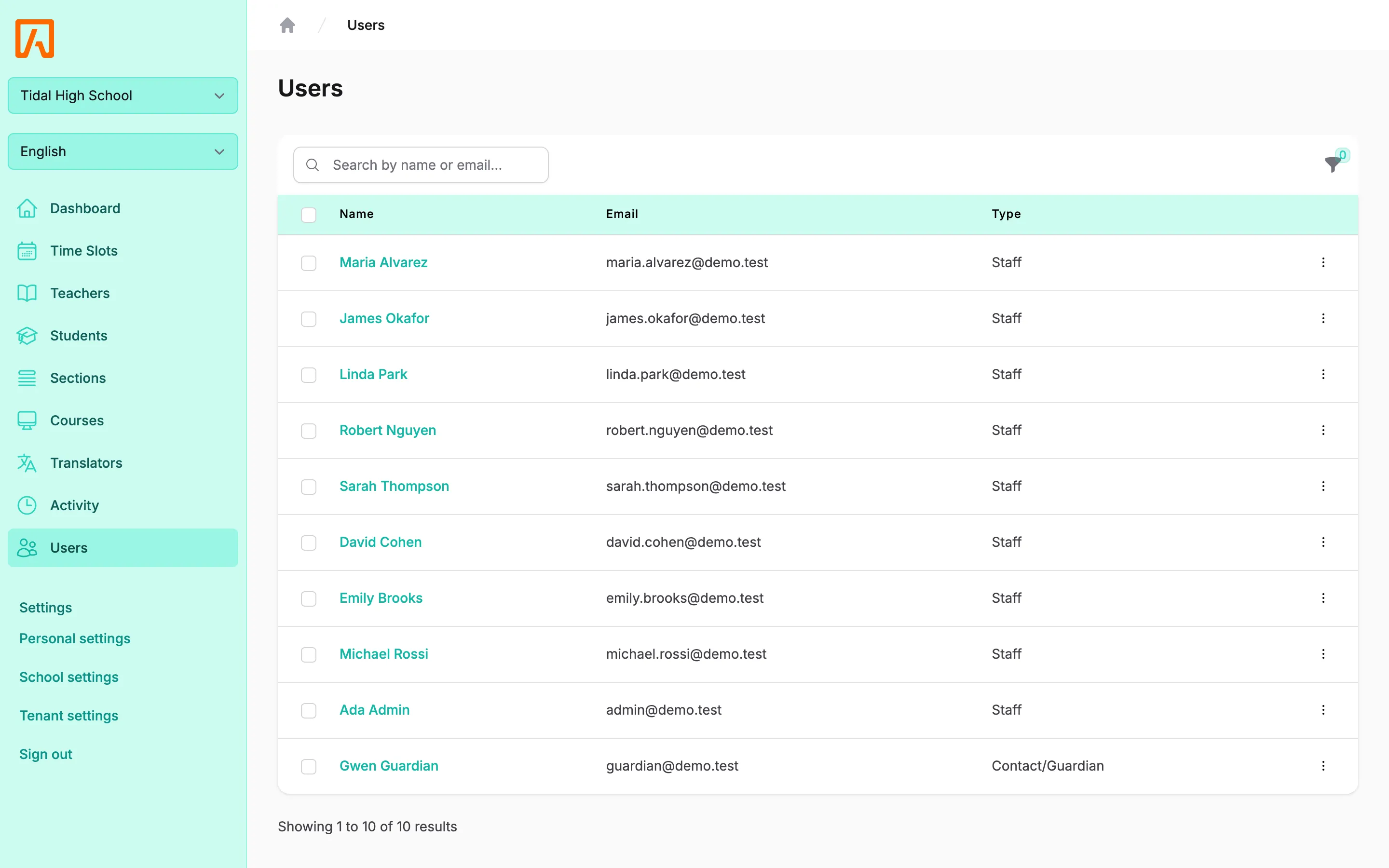
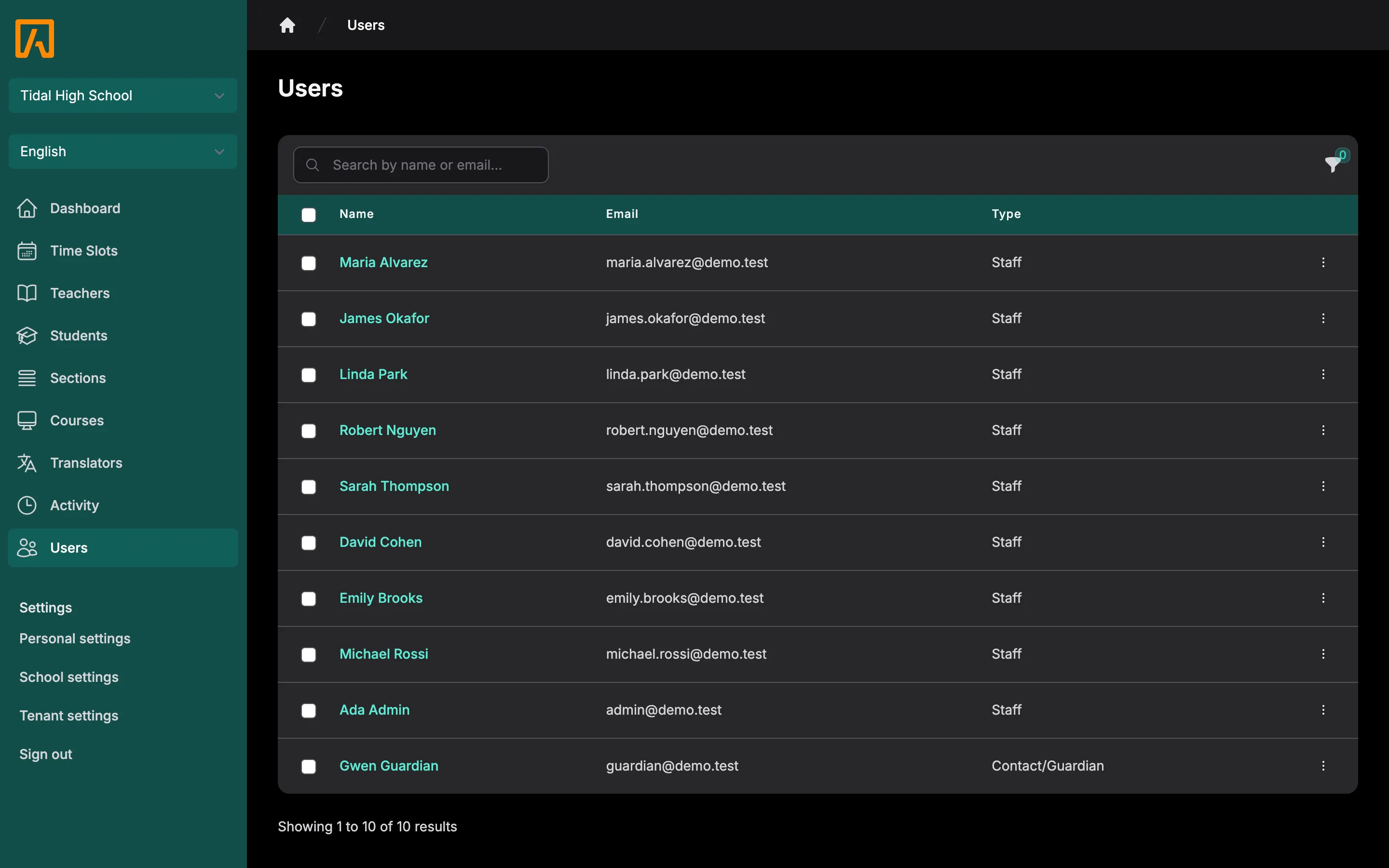
See it in action
Host it yourself, or let us
Every option runs the same complete application. Prices are per year.
Self-hosted
Free
Run Tidal PTC on your own servers. Your IT team installs, updates and backs it up.
- The complete application, AGPL-3.0
- Docker or VM install
- Community support on GitHub
Cloud
$400 + $150 per school a year
Up to $4,000 a year for a district. Single schools pay $450 a year. Prices go down as more districts join.
We host, update and back it up for you. Your schools are scheduling the same day.
- Your own subdomain on tidalptc.app
- Automatic updates and backups
- PowerSchool SSO and sync
Private dedicated
$880 + $150 per school a year
Cloud pricing plus $480 a year for your own server, passed through at cost. Up to $4,480 a year for a district. Single schools pay $930 a year.
Your own isolated instance on servers reserved for your district. We run it for you.
- Isolated servers and database
- Choose your region
- Usually ready within 15 minutes
Not sure which to pick? Compare hosting options.
Questions
Is Tidal PTC really free?
Yes. Tidal PTC is open source under the AGPL-3.0 license, and you can self-host the complete application at no cost. Archboard also sells managed Cloud and Private dedicated hosting if you would rather not run it yourself.
Do we need PowerSchool?
PowerSchool is the supported student information system. The Tidal PTC plugin gives everyone single sign-on and syncs schools, sections, students, teachers and contacts, so there are no CSV imports or temporary passwords.
How do parents and guardians sign in?
Guardians sign in with their PowerSchool parent portal account through single sign-on. Districts can also allow password sign-in.
Can families request a translator?
Yes. Schools choose which languages they offer and set request limits. Families request a translator when booking, and staff assign translators to conferences.
Which languages does the interface support?
English, Spanish, Simplified Chinese, Korean, Japanese and Arabic, with right-to-left layout for Arabic. Each user picks their own language.
Can conferences be held online?
Yes. A time slot can be in person or online, and online slots show families the meeting link.
What does Cloud hosting cost?
Cloud hosting for a district is $400 a year plus $150 per school, up to $4,000 a year. A single school pays $450 a year. Private dedicated hosting is the Cloud price plus $480 a year for your own server, passed through at cost. Self-hosting is free.
Where is our data stored?
Self-hosted installs keep all data on your own servers. Cloud and Private dedicated installs are run by Archboard; dedicated hosting gives your district its own isolated servers in the region you choose.
Ready for your next conference week?
Get a hosted district running today, or install it on your own servers for free.