

Online meetings
Some schools let you meet teachers by video call instead of in person. You can ask for an online meeting when you book, and the video call link shows on your dashboard and in your emails.
Who this is for
Section titled “Who this is for”Parents and guardians who would like to meet a teacher online.
Before you start
Section titled “Before you start”- Your school must allow online meetings. If it does not, you will not see the online option.
- Each teacher decides which of their times can be online. Some times are online only.
Ask to meet online
Section titled “Ask to meet online”- Start booking a conference and pick a time.
- Check I would like to meet online. If you do not see it, that time is in person only.
- Select Book conference.
If the teacher made the time online only, your conference is online even if you did not check the box.
Join the video call
Section titled “Join the video call”- Go to Dashboard and find the conference under Your conferences.
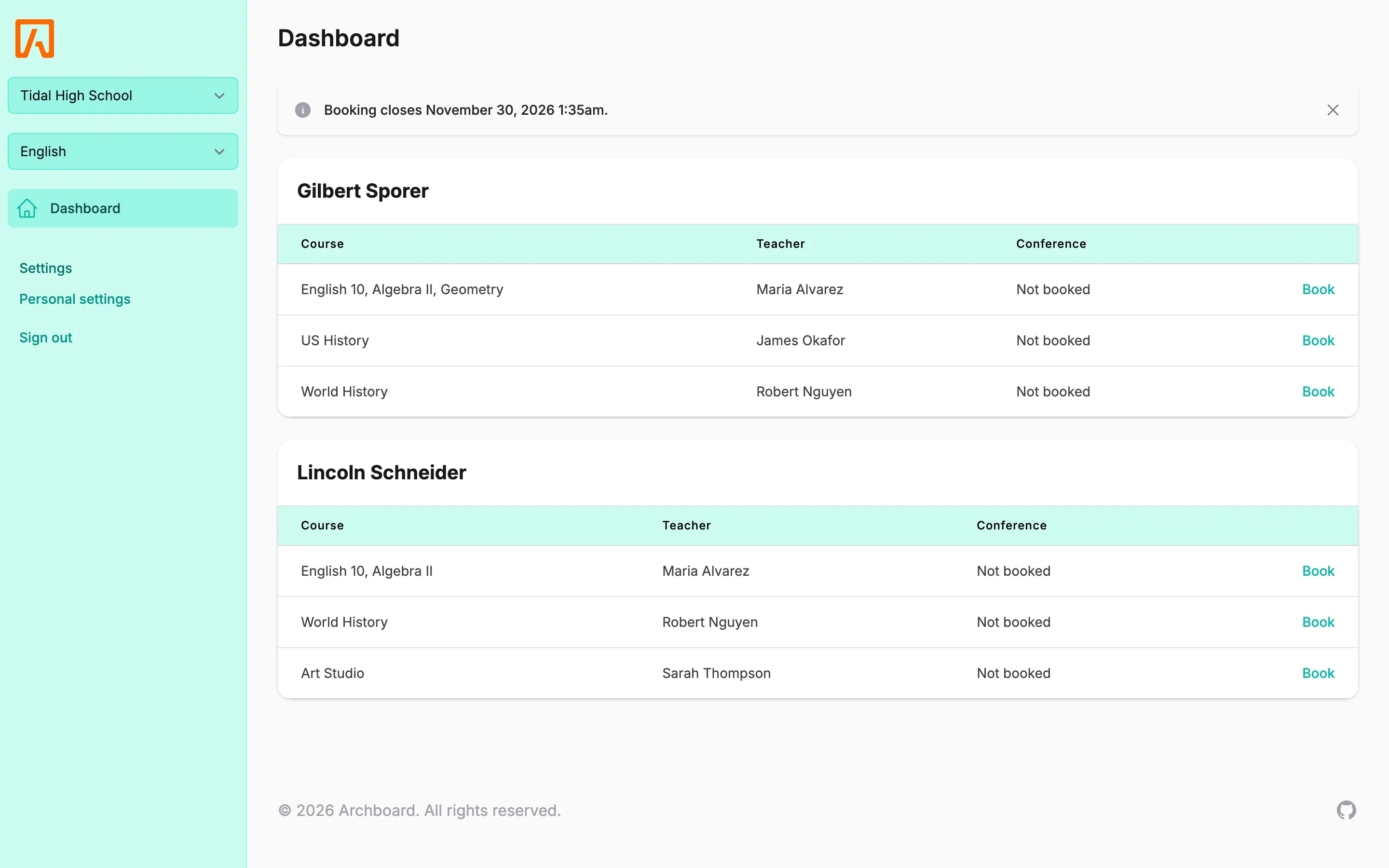
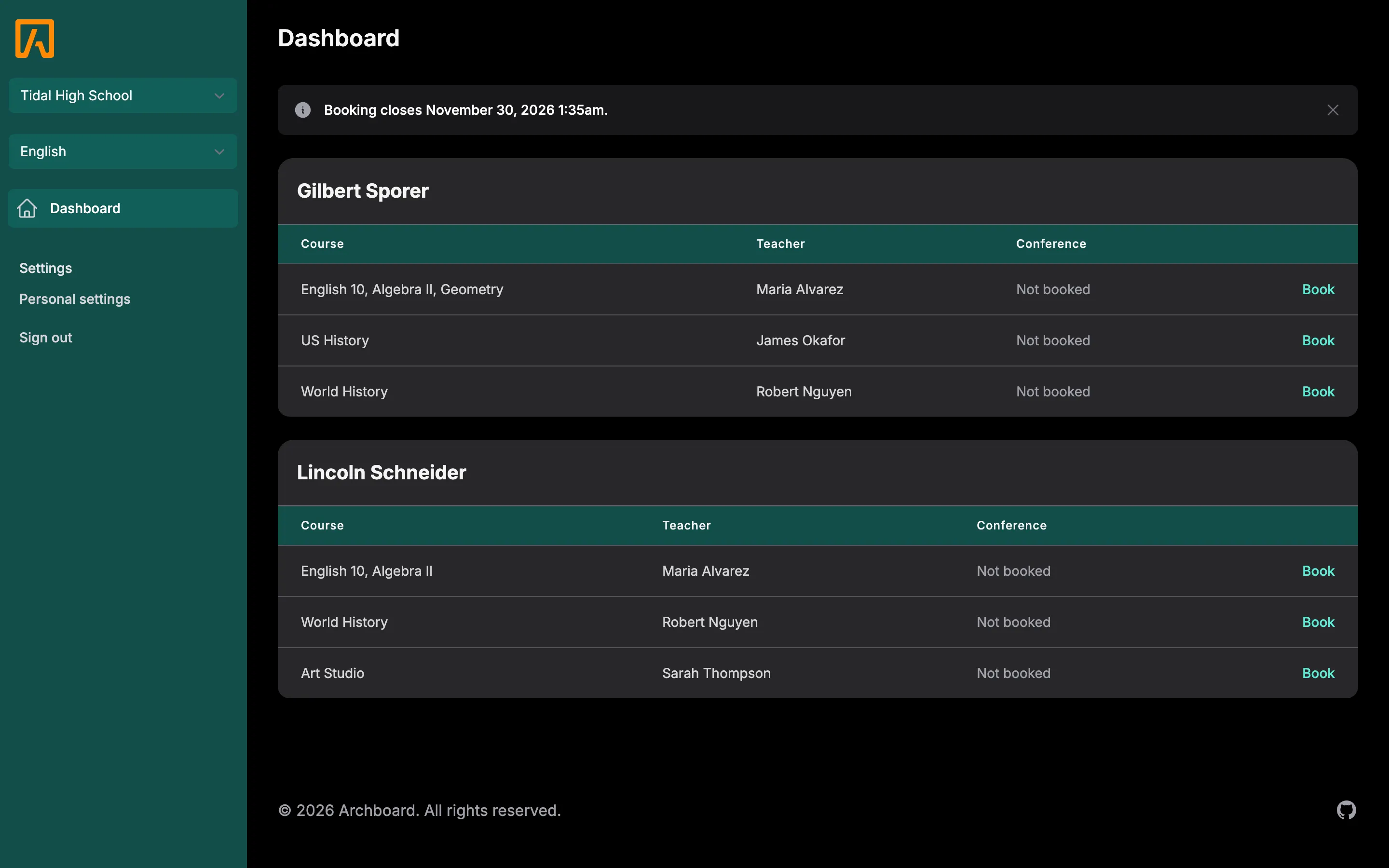
- In the Where column, select Join video call at the time of your conference. The call opens in a new tab.
If Where says Online without a link, the teacher has not added a link yet. When they do, you get an email with the new details (if that email is turned on, see Reminders and emails). Your reminder email also includes the link when there is one.